A project by Ideo Maker
MK-BOT
A modular Arduino robotics kit, designed to be assembled quickly and get straight to what matters: learning to program.
This is a project by Ideo Maker, made by its team. Here I show the part I worked on.
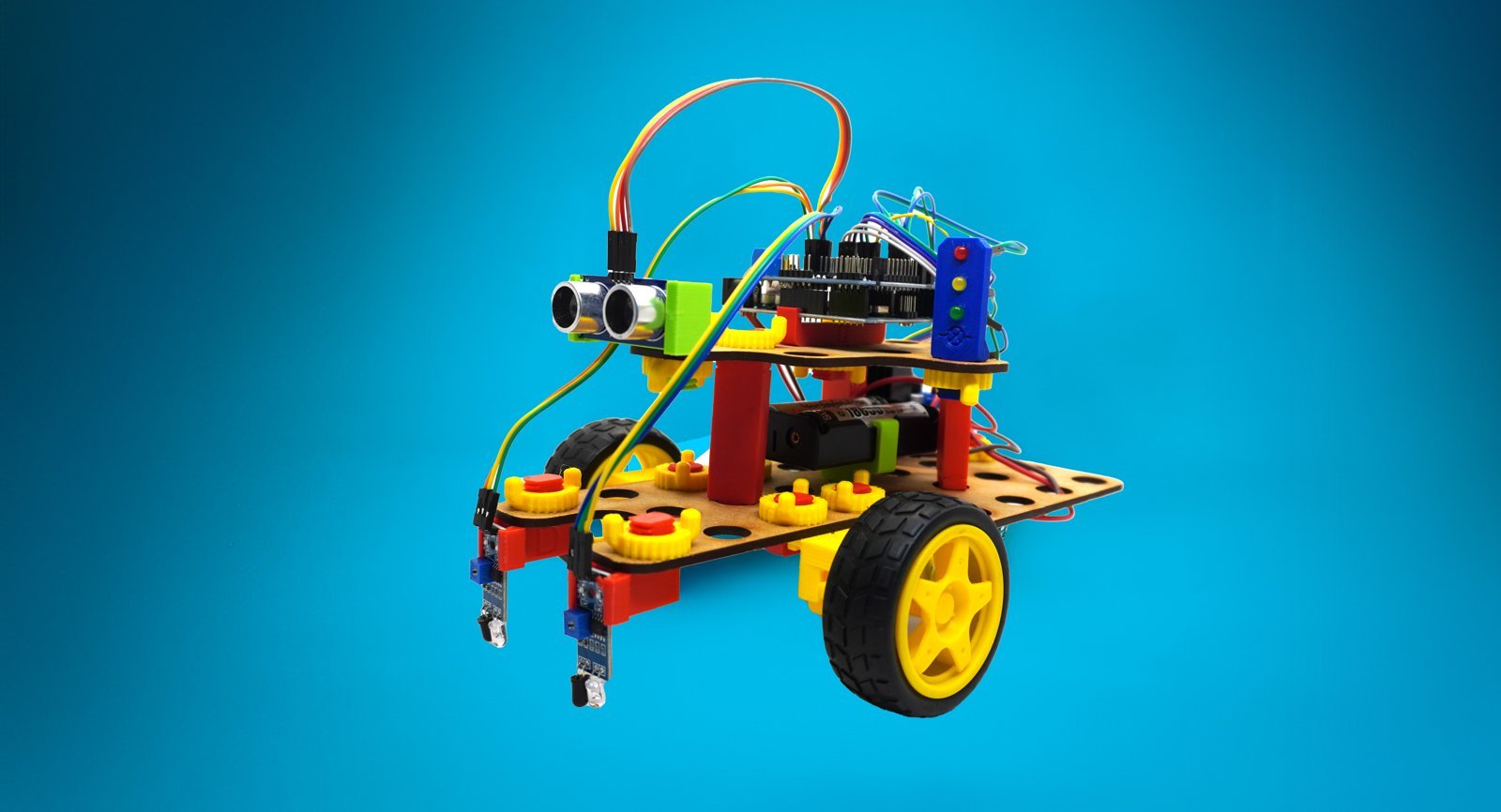
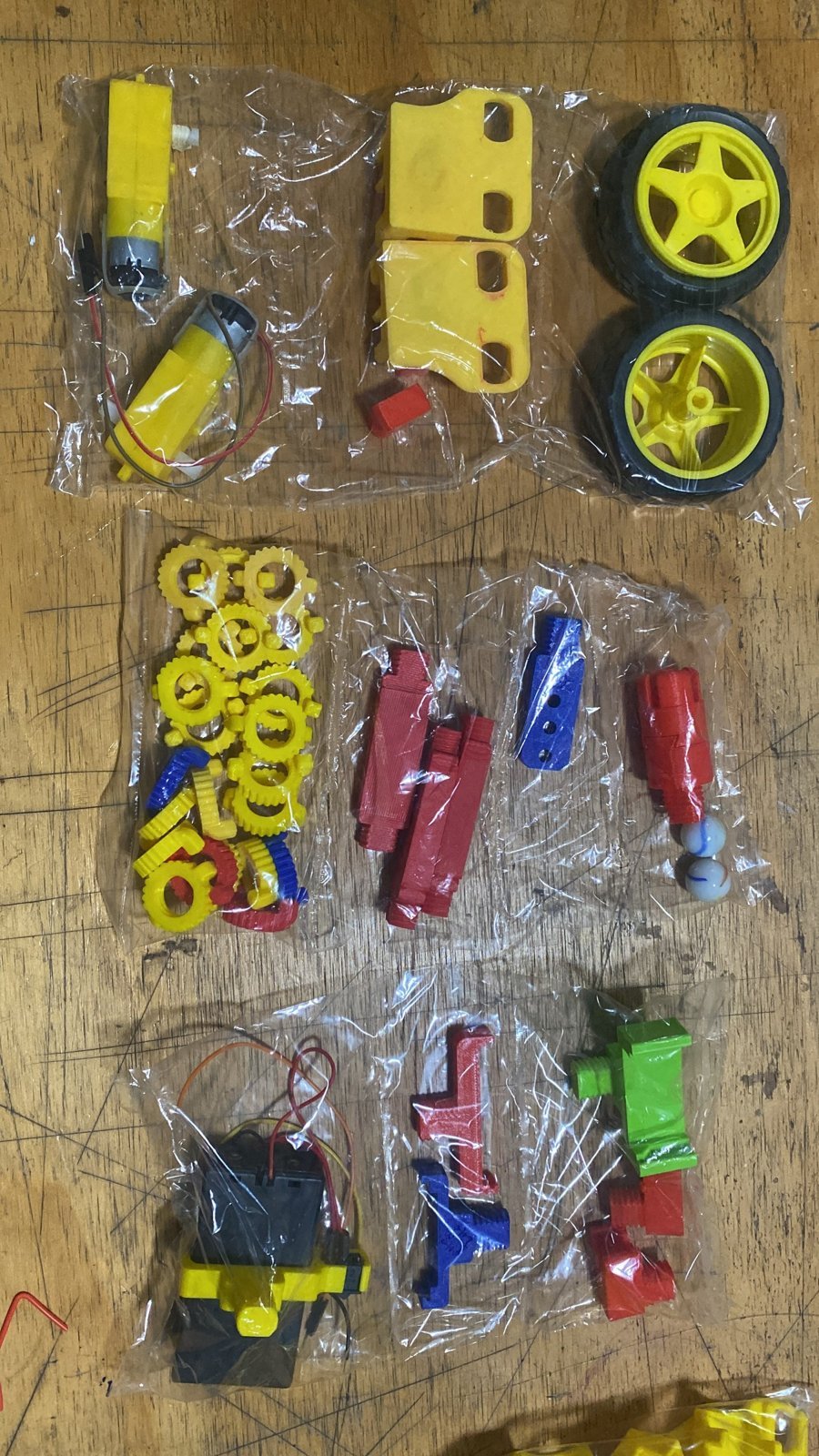
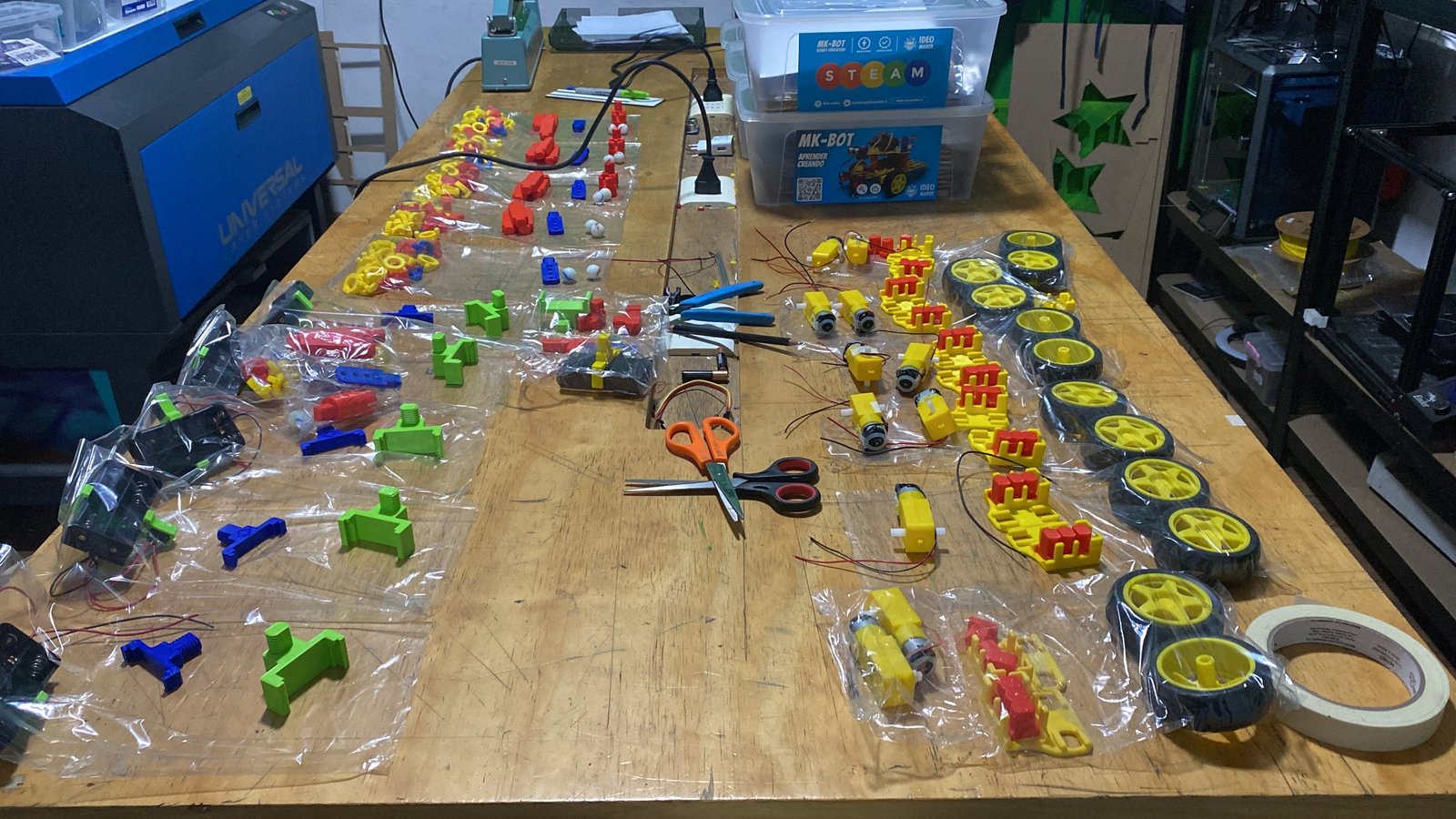
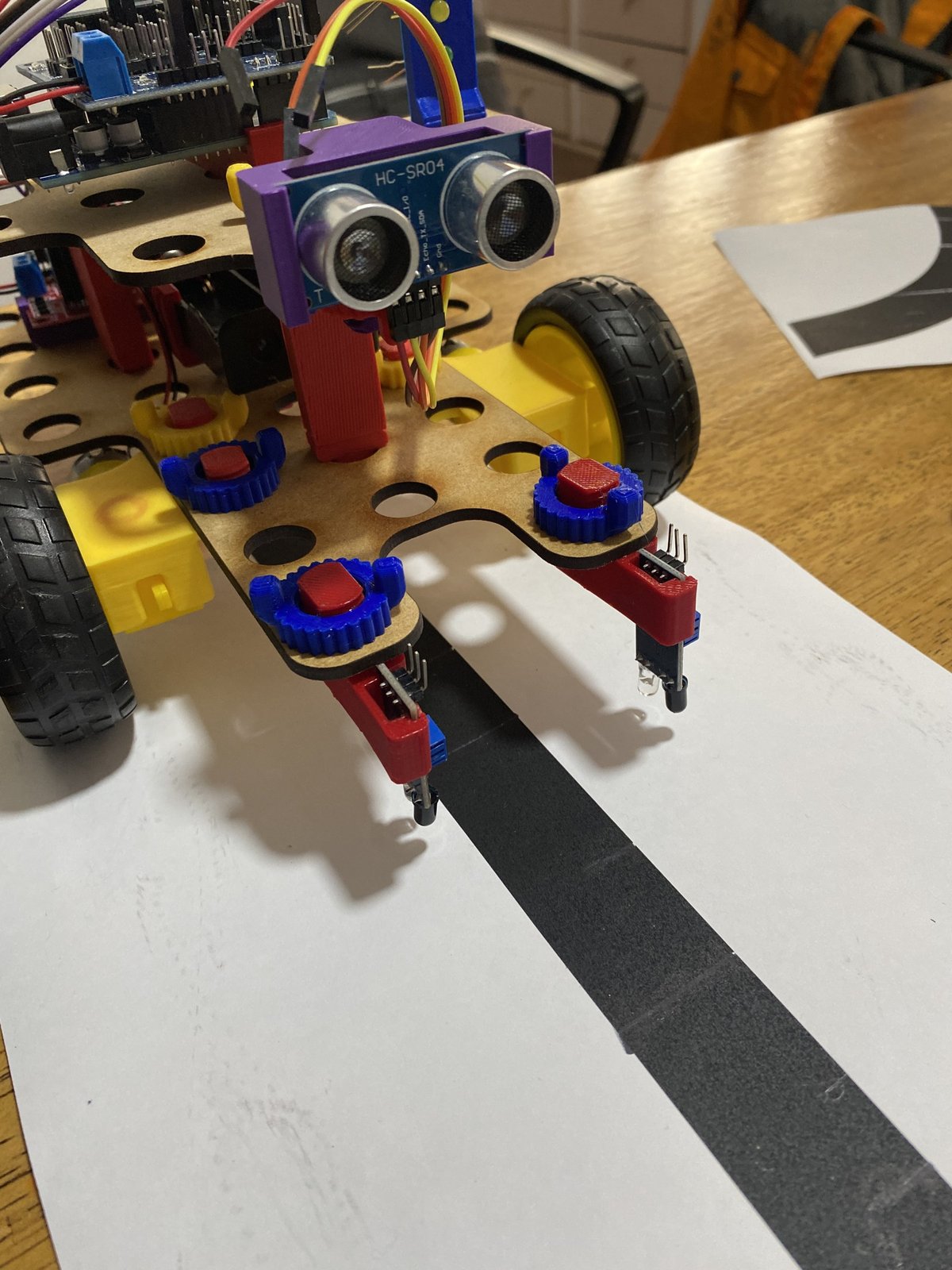
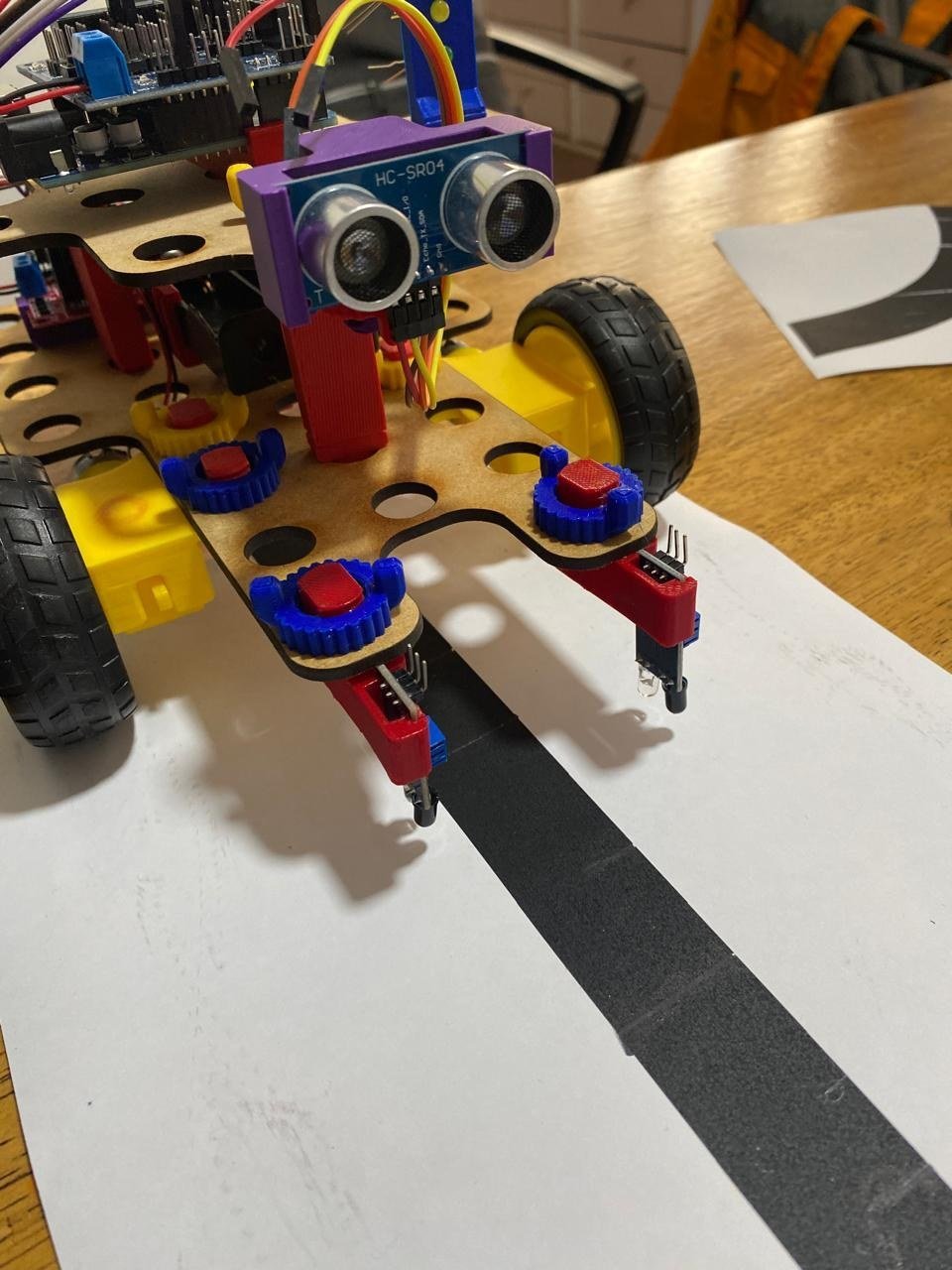
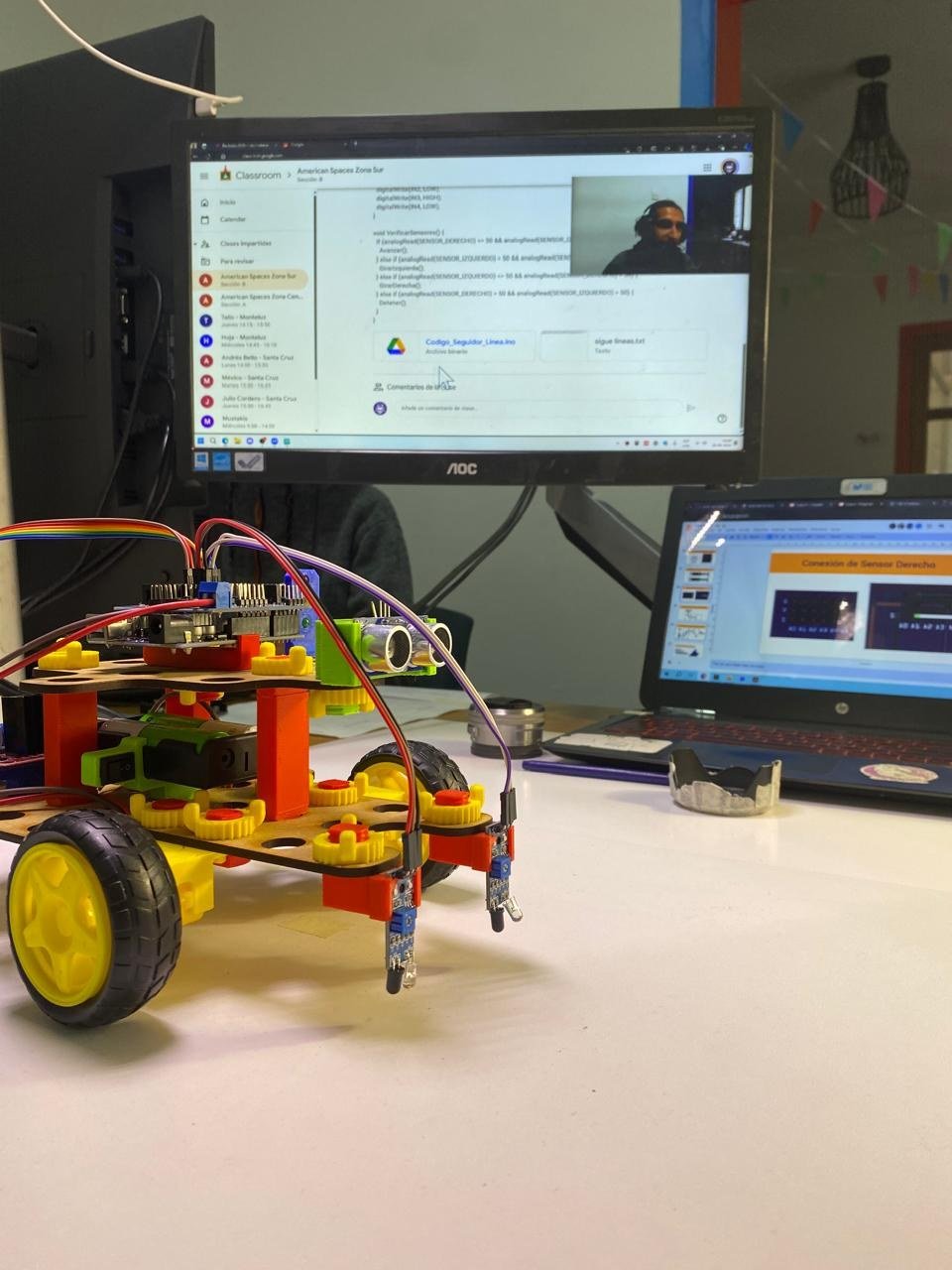
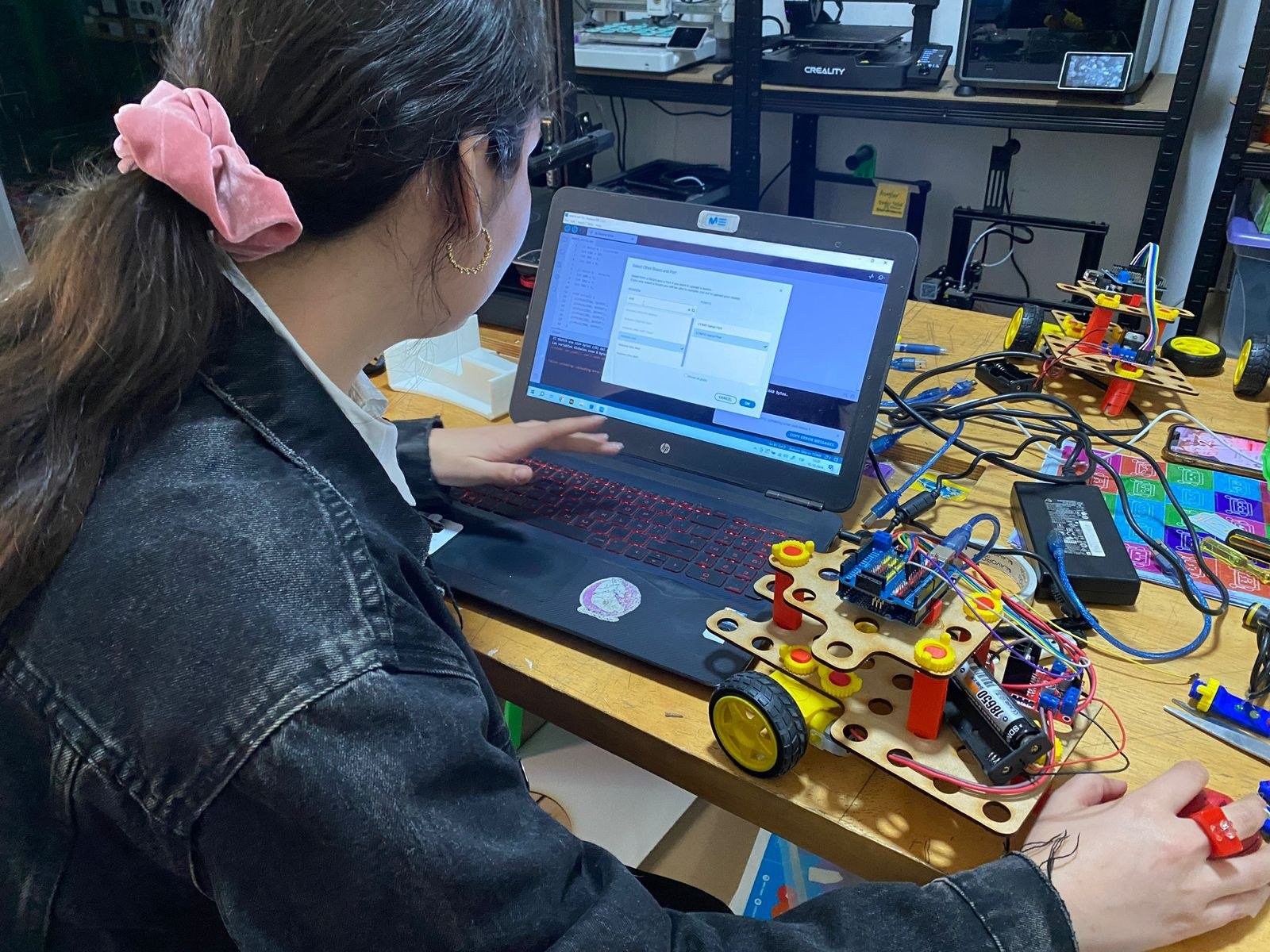
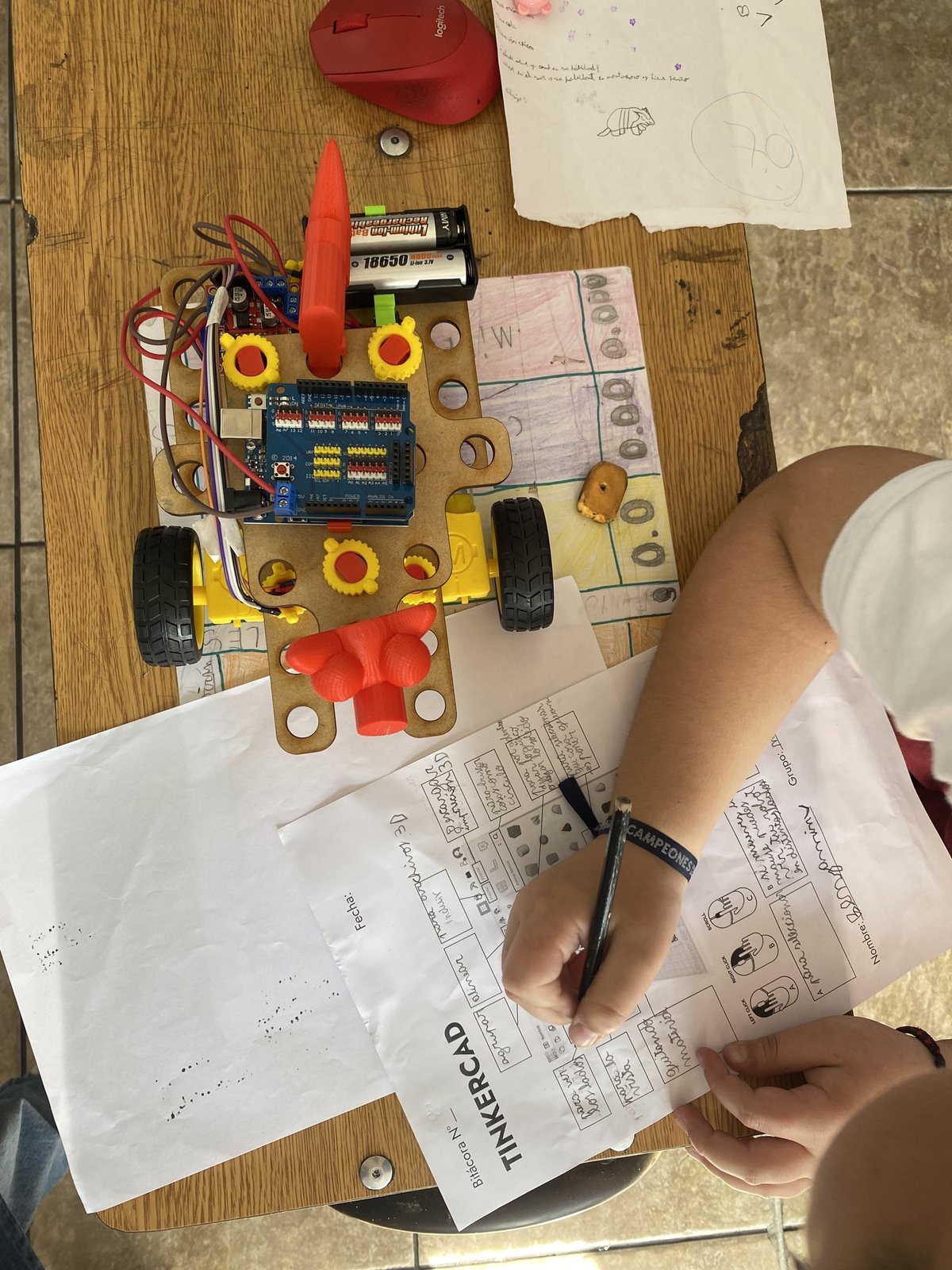
MK-BOT is Ideo Maker's educational robotics kit, with an Arduino UNO, sensors and parts in MDF and 3D printing. It is modular and designed to be assembled quickly, so the class gets quickly to what matters: learning to program. First with blocks, in Tinkercad, and then in text, with the Arduino IDE. Along the way it covers designing new parts in Tinkercad, design thinking, agile methodologies and logical-mathematical thinking.
01My role
- Part of the design process, in the kit improvement meetings
- Key concepts for the design brief
- Kit graphics and the first version of the obstacle track
- Improvements to Ideo Maker's own H-bridge, to make it more intuitive
- Teaching with MK-BOT in workshops and courses
02A kit that keeps improving
MK-BOT has gone through several versions. After the first design, interns came in and improved the kit; Elvis Andrade built a platform to assemble it and Diego López did the 3D modeling and printing of the parts, based on the team's feedback. Along the way, the commercial H-bridge was replaced by a more specific one designed by Ideo Maker, made by Nelson Mora, which I later modified to make it easier to understand. Every activity where we use it leaves something to improve or adapt.
03In the classroom
In 2025, together with Nelson Mora, I taught Ideo Maker's robotics workshop with MK-BOT at Francisco Bilbao School in Recoleta, part of the Santa Cruz Corporation: two courses of six months each. The kit is also the base of the bootcamps and of the Aulas Impulsa teacher trainings.
04The graphics
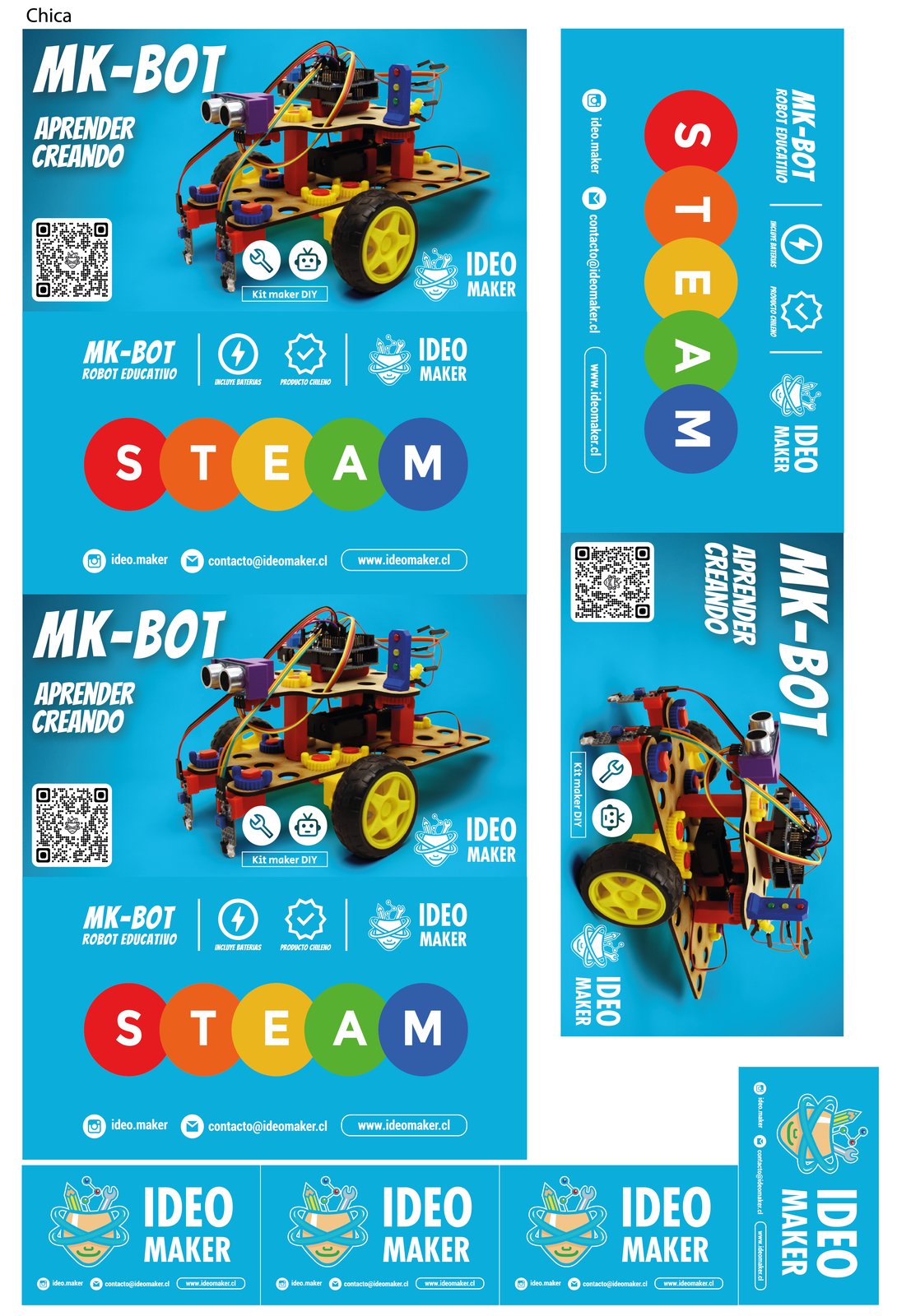
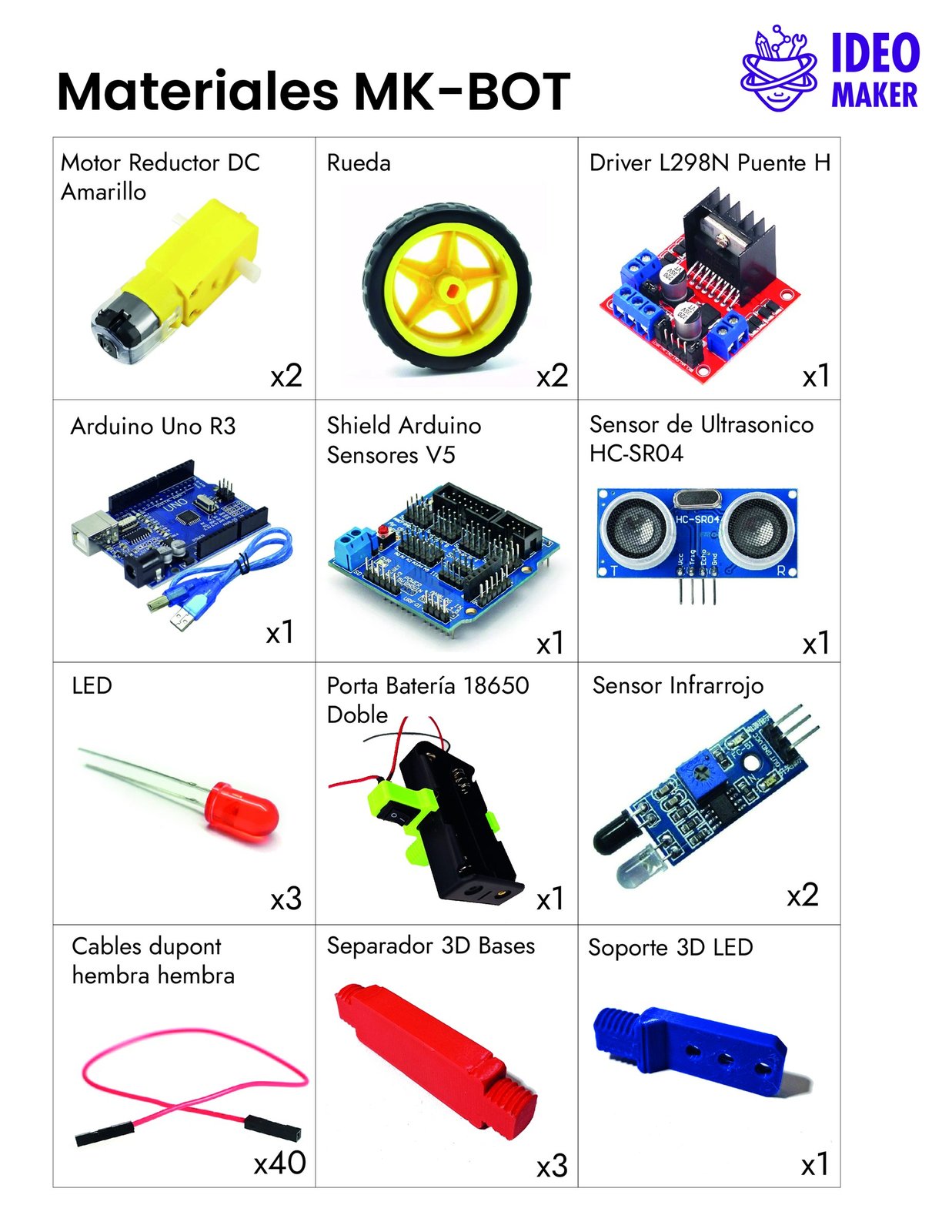
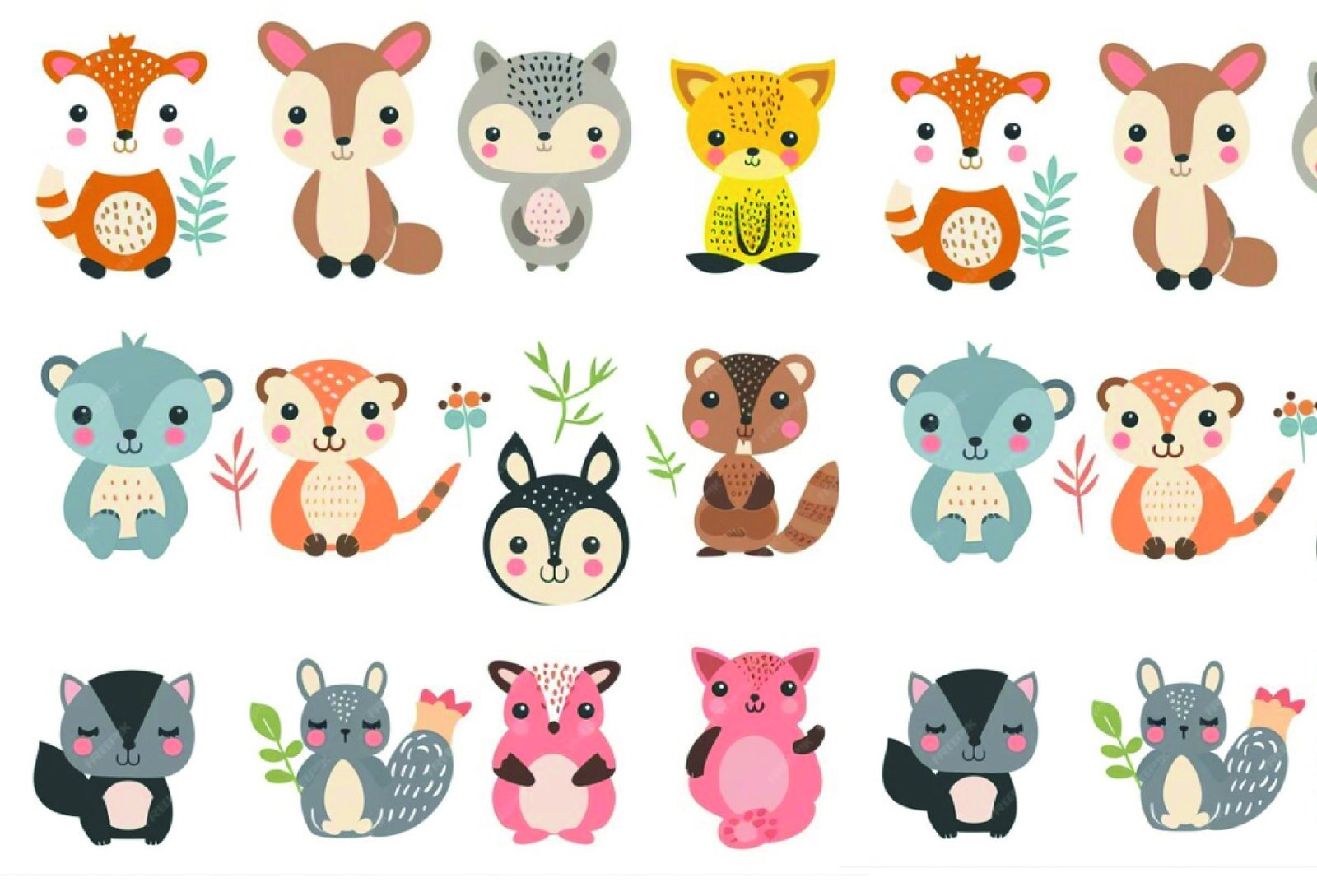
The kit graphics include the box, in two sizes, the illustrated list of materials and the sheets of the obstacle track, where the robot goes through a plaza, a park or a city. I made the first version of the track, and the team kept improving it.